In short
- bol.com sellers need two things from software. Stock has to sync across every channel so you don't oversell, and someone (or something) has to decide what to reorder, how much and when.
- Sync tools such as ChannelDock and ChannelEngine handle the first job. bol's free Voorraadanalyse dashboard gives basic restock advice, but only for LVB stock.
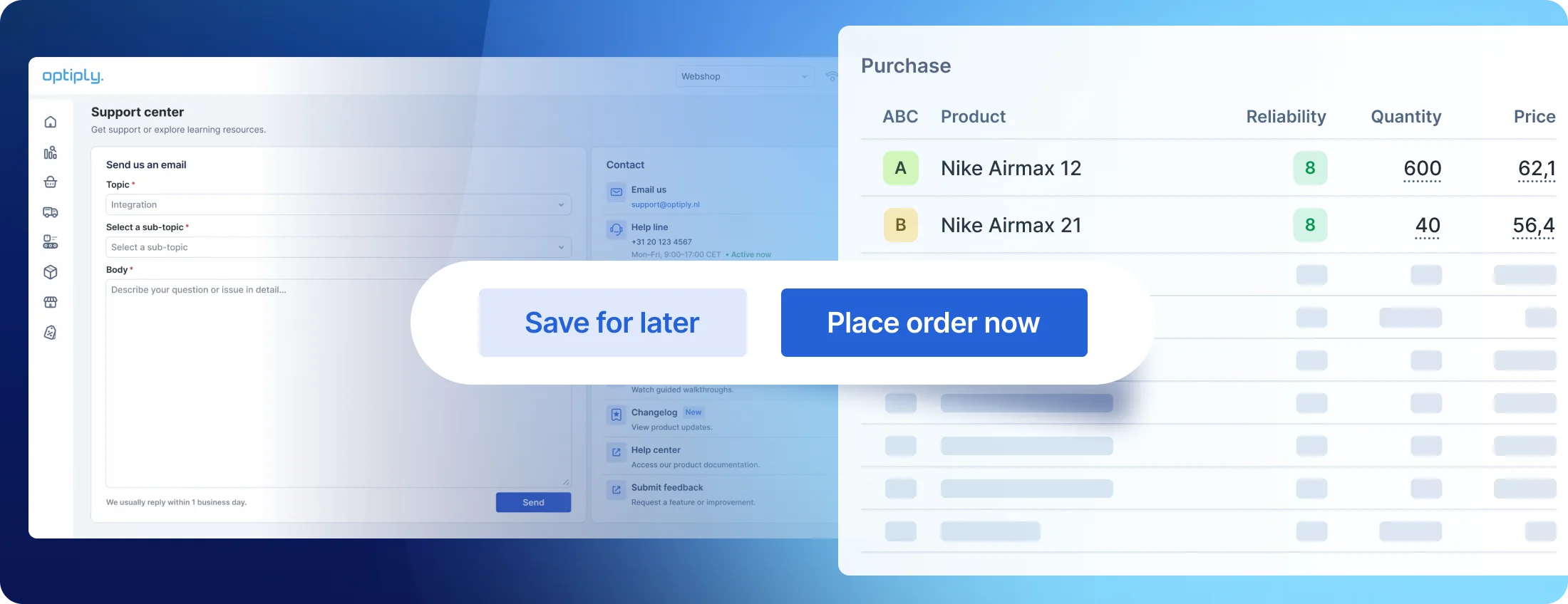
- Optiply handles the second job. It connects to bol.com directly or through the ERP or multichannel tool you already use, and recalculates purchasing advice per SKU every day, with the Optiply Assistant explaining each quantity.
- For most growing sellers, the strongest setup is a sync tool and Optiply, connected to each other.
Why is inventory harder to manage on bol.com?
Stock mistakes on bol.com cost real money, because the platform is so big. The platform's trading volume grew 8.4% to €6.3 billion in 2025, according to Twinkle, and close to half of that volume comes from sales partners. At the end of 2024, around 47,000 partners were selling on the platform, Ecommercenews reports.
The extra work comes from bol's own rules. Each one changes how you need to buy, as this overview shows.
| Rule | What bol says | What it means for your purchasing |
|---|---|---|
| Two stock pools | With LVB, your stock sits in bol's distribution centre. Orders you ship yourself come from your own warehouse | You plan two locations per product, with different replenishment routes |
| Pre-notified shipments | Every LVB shipment is pre-notified at least two business days before the delivery day you want, and you pick a date from the slots bol has capacity for | Supplier lead time is only part of the wait before new stock is sellable |
| Monthly stock limit | Your LVB stock limit is set each month, based on expected sales, stock health, range and warehouse space. About 28 days of inventory turnover is bol's guideline for healthy stock | Slow movers today shrink the room you get for fast movers next month |
| Storage surcharges | Storage is billed per day. November and December carry a 40% surcharge, and stock older than 180 days carries 100% | Overstock costs most exactly when you need space for peak season |
| Cancellation norm | No more than 2% of ordered items cancelled per week, once you cancel 3 or more. Above that, you get a strike | A stockout on an offer you ship yourself can turn into a performance problem |
Source: bol Partnerplatform, October 2026. These norms change regularly, so check your seller account for the current values.
The best inventory optimisation software for bol.com sellers
To choose these five tools, we read each one's public documentation, checked which integrations it offers and looked at how it handles bol.com stock. If you sell mainly through your own webshop, our guide to the best inventory optimisation software for e-commerce covers the wider market.
Here's how the five tools compare at a glance.
| Tool | Type | bol.com coverage | Purchasing advice | Best for |
|---|---|---|---|---|
| Optiply | Supply chain agent for purchasing | Direct bol.com integration, or through your ERP, WMS or multichannel tool | Daily per SKU, Optiply Assistant explains quantities, can place supplier orders | Growing sellers on bol.com and their own webshop |
| Voorraadanalyse by bol | Free dashboard in your seller account | LVB stock only | Restock advice for the next 4 weeks, based on 12 weeks of sales | LVB-only sellers starting out |
| ChannelDock | Multichannel stock and order management | Real-time stock sync with bol.com, including LVB orders | Stock advice to predict reorder points | Preventing overselling across channels |
| ChannelEngine | Marketplace integration platform | Real-time stock updates, orders and listings for bol.com | Focus is product data, orders and stock | Selling on several marketplaces |
| Picqer | Warehouse management system | Native bol.com Retailer integration for the orders you ship yourself | Order-level advice with MOQs and pack sizes | Sellers running their own warehouse |
1. Optiply: best for bol.com sellers who want purchasing on autopilot
That's us! Optiply is an AI-powered supply chain agent for e-commerce, retail and wholesale businesses. It forecasts demand per SKU, recommends what to buy and when, and can place purchase orders with your suppliers. The Optiply Assistant can explain why a quantity is proposed and, once you approve, carry out actions for you. More than 500 businesses already run their purchasing with Optiply.
For bol.com sellers, the starting point is getting every sale into one place. Most bol.com sellers already have bol.com connected to an ERP, WMS or multichannel tool, and Optiply connects to that system through one of its 50+ integrations. Your bol.com sales, webshop sales and stock then arrive together. You can also connect bol.com directly. The bol.com integration imports sales orders from both LVB and your own fulfilment and links the order lines to the matching products in Optiply through the bol.com EAN. Products and stock come from your other connected system.
From there, Optiply automates purchasing within the rules your team sets and highlights the exceptions for your buyers to review. That leaves them free to spend their time on suppliers, new products and the cases that need a person.
Website: optiply.com
Best for: bol.com sellers who also sell through their own webshop and want one purchasing process for every channel.
Key features:
- Daily purchasing advice per SKU. Optiply recalculates its advice every night, and the Optiply Assistant can explain any proposed quantity, so you can automate replenishment step by step as your trust in it grows.
- AI demand forecasting. Forecasts analyse your sales patterns and trends, and the purchasing advice combines them with your stock and supplier lead times, so seasonal peaks on bol.com show up before they arrive.
- Supplier-aware ordering. Lead times and reorder periods are set per supplier, with a product-level lead time for a specific product and supplier where you need one, and the advice takes them into account.
- Automated purchase orders. Purchase orders can go to suppliers through a configured EDI connection, supplier portal or email. With invoice matching switched on, Optiply flags invoice discrepancies, and you can have it draft an email to your supplier for the ones you select.
- Product prioritisation. ABC classification ranks products by gross margin, revenue or number of order lines, whichever you choose, so the items that matter most to your business get attention first.
Fitwinkel is one example of what this looks like. After automating its purchasing with Optiply, it cut total inventory by 44%, grew revenue by 54% and now saves more than a full day a week on purchasing. Purchaser and Sales Manager Martijn Janssen says: "The fact that Optiply makes the calculations, analyses the sales of recent years and can therefore make a prediction, that saves so much work for me."
Want to see this on your own data? Book a demo and we'll show you Optiply's purchasing advice on your bol.com and webshop sales.
2. Voorraadanalyse by bol: best free starting point for LVB-only sellers
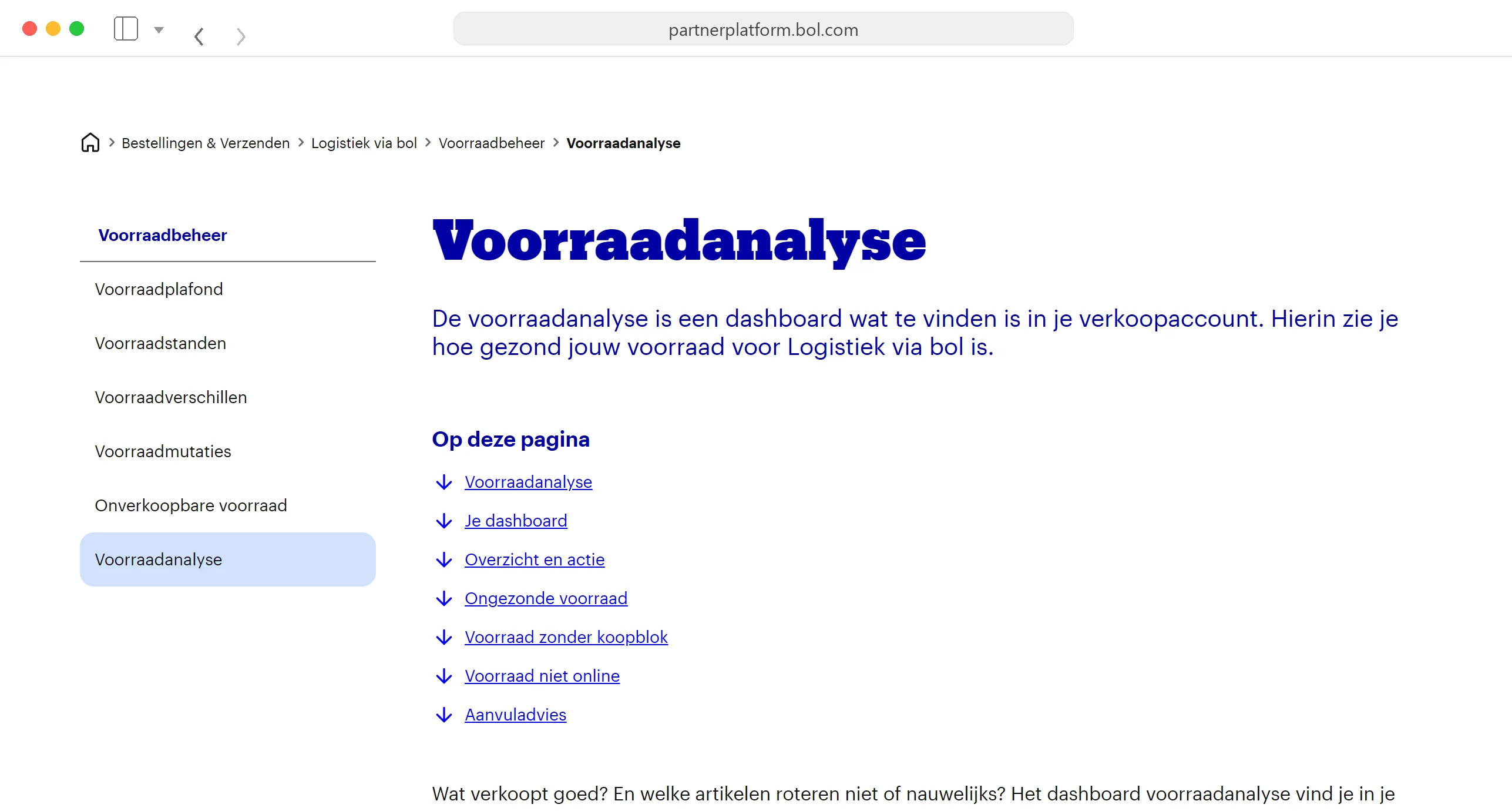
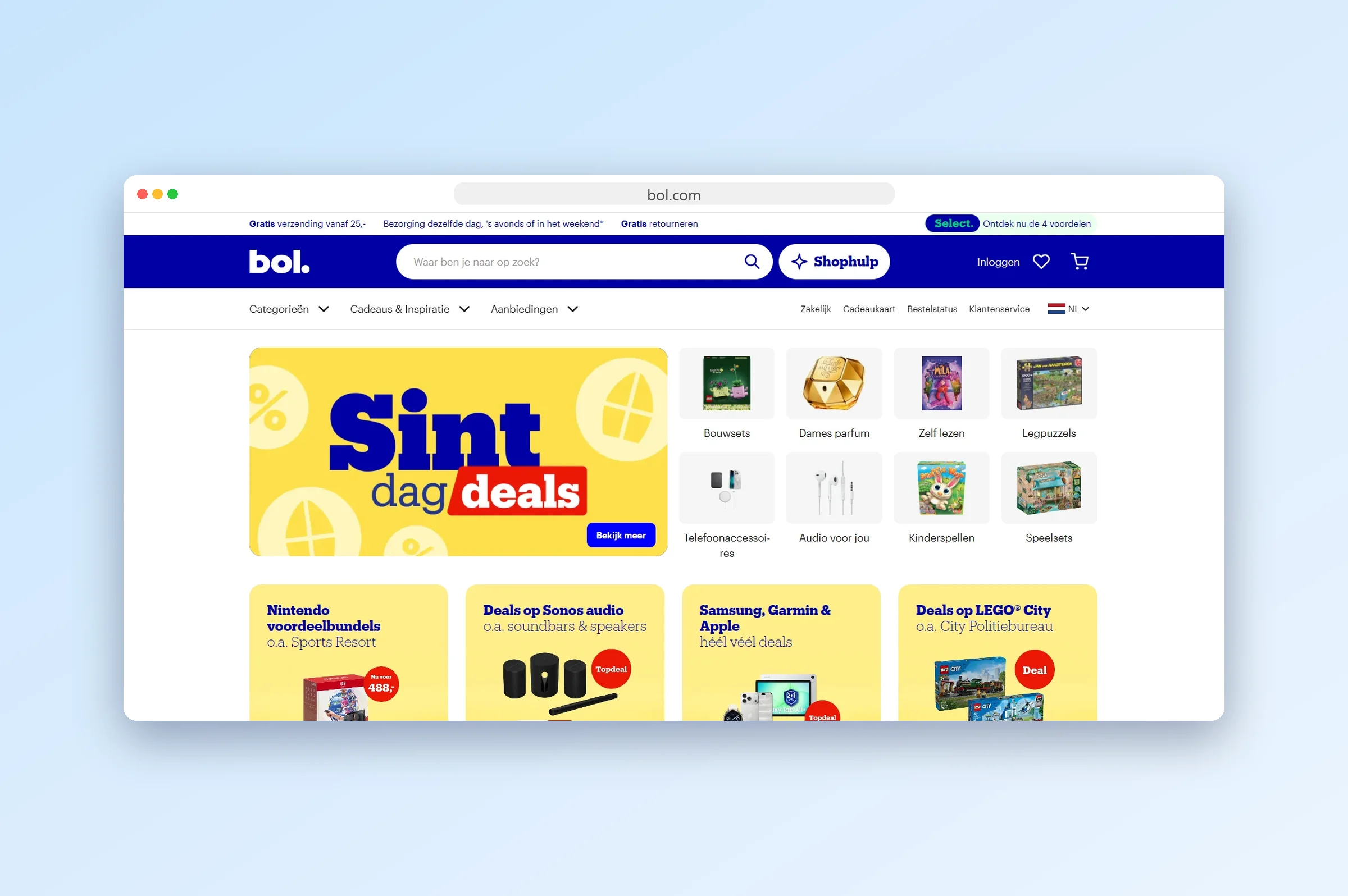
Voorraadanalyse is bol's own stock dashboard, built into the seller account for partners who use Logistiek via bol. It shows how healthy your LVB stock is and which products need attention, at no extra cost.
The forecast works from your last 12 weeks of bol.com sales. Based on that, the restock advice lists products whose stock won't cover the expected sales of the next four weeks, and a separate overview points out slow movers together with the storage costs they're building up. Restocking always has to fit within your LVB stock limit.
It's a useful free check, though it only covers LVB stock, so it can't see your webshop sales or your own warehouse. Products that have been online for less than six weeks don't count towards stock health, and bol states its advice is non-binding.
Website: partnerplatform.bol.com
Best for: sellers who only use LVB and want a quick restock check.
Key features:
- Stock health overview for everything you store at LVB.
- Sales forecast based on your last 12 weeks of bol.com sales.
- Restock advice for products that won't cover the next four weeks of expected sales.
- Slow-mover overview with the storage costs per product and advice on reducing stock.
- Built into your seller account, so there's nothing extra to connect or pay for.
3. ChannelDock: best for keeping stock in sync across channels
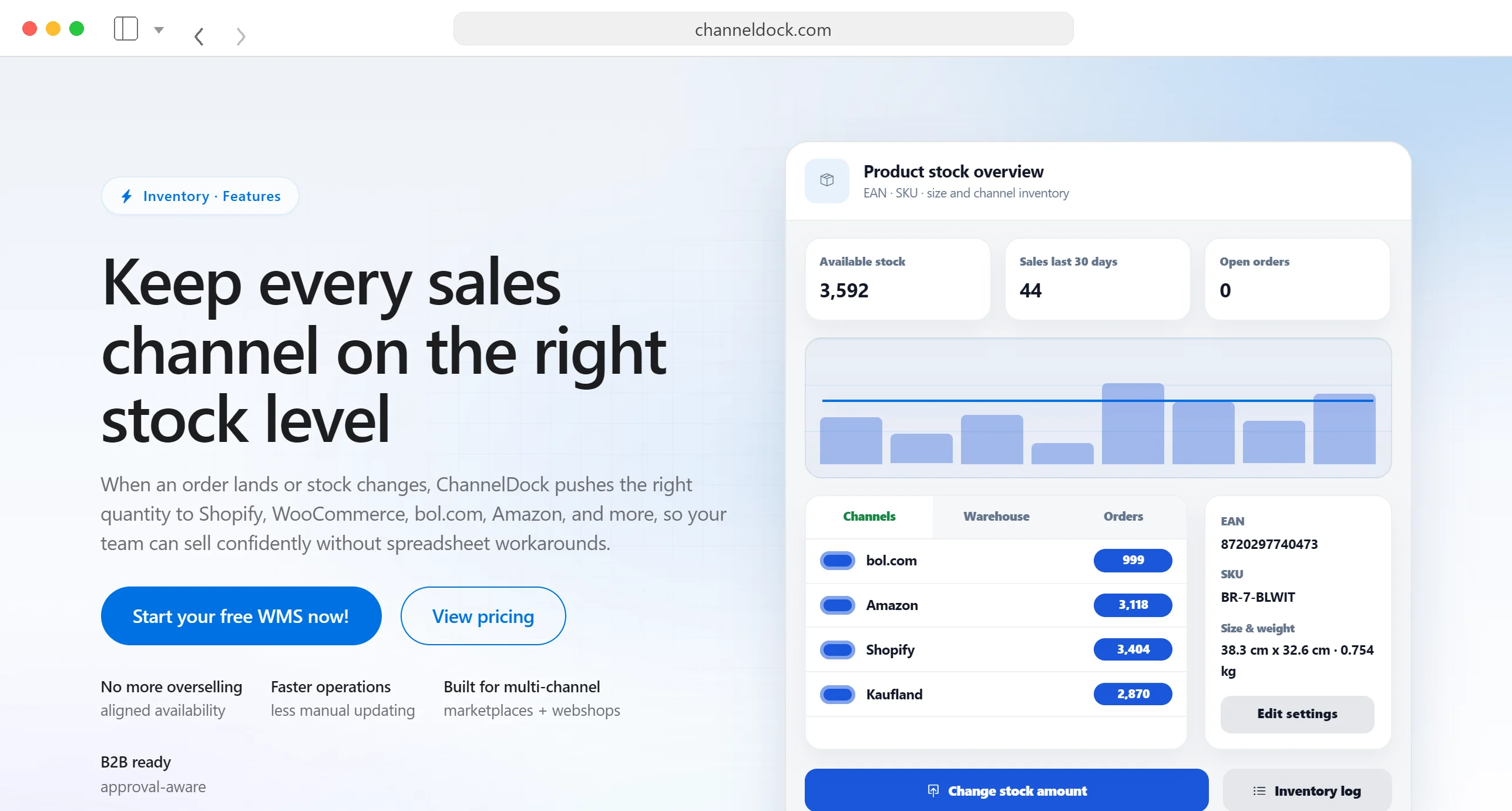
ChannelDock is a multichannel stock and order management tool for webshops and marketplace sellers. It connects your webshop and marketplaces, including Shopify, WooCommerce, bol.com and Amazon, and pushes every stock change to all of them in real time.
On bol.com, ChannelDock handles orders, returns and shipping labels, including LVB fulfilment. It can also switch an offer from LVB to your own stock when your LVB stock runs out, then switch back once bol has received new stock. Its stock advice helps you predict reorder points.
If your main goal is keeping stock right on every channel, ChannelDock on its own covers it. If you also want to know what to reorder, how much and when, connect ChannelDock to Optiply. Optiply imports your products, stock, suppliers, sales orders and purchase orders from ChannelDock, including the minimum order quantities in your supplier data, and turns them into daily purchasing advice.
Website: channeldock.com
Best for: sellers on several channels whose biggest risk is overselling.
Key features:
- Real-time stock sync across your webshop and marketplaces.
- bol.com order, return and label handling, including LVB fulfilment.
- Automatic switch between LVB and own fulfilment when your LVB stock runs out.
- Offer matching across channels, so one product is linked to its listing on every channel.
- Stock advice to predict reorder points.
What users say about ChannelDock: reviews on Capterra are mostly positive, with the support team and the real-time stock sync mentioned most often.
4. ChannelEngine: best for selling on several marketplaces
ChannelEngine is a marketplace integration platform for brands and retailers. It connects your product data, orders and stock to more than 1,300 marketplaces and sales channels, so you manage your bol.com offers from the same place as the rest of your marketplace channels.
ChannelEngine has been a bol Gold Partner since 2019. Its bol.com integration sends real-time stock updates, automates order processing from one central place and helps create and optimise product listings. It also offers plugins for warehouse systems such as Picqer.
For getting your range live and in sync across many marketplaces, ChannelEngine alone is enough. When you also want purchasing advice per SKU and automated supplier orders, Optiply connects with ChannelEngine as well, through its ChannelEngine integration.
Website: channelengine.com
Best for: brands and retailers selling on bol.com alongside other European marketplaces.
Key features:
- One connection to 1,300+ marketplaces and sales channels, including bol.com.
- Real-time stock updates to prevent overselling across channels.
- Central order processing, with order details routed to your own systems for fulfilment.
- Listing creation and optimisation per channel.
- Plugins for warehouse systems such as Picqer, covering products, stock, orders and shipments.
What users say about ChannelEngine: reviewers on Capterra and G2 praise the support and the guided onboarding. Some say certain integrations need extra setup effort and that training could be simpler.
5. Picqer: best for sellers running their own warehouse
Picqer is a warehouse management system for webshops that ship from their own warehouse. It covers picking, packing and shipping, includes purchase advice for the products you keep in stock, and in 2023 became the first warehouse software provider to reach Gold Partner status with bol.
Picqer has a native bol.com Retailer integration. New bol.com orders arrive in Picqer directly, Picqer sends stock changes to bol.com almost in real time, and shipped orders are reported back with their tracking code and carrier. It also supports Verzenden via bol for shipping labels. Picqer focuses on the orders you ship yourself, so orders that bol fulfils through LVB are left out.
For purchasing, Picqer only advises buying for backorders by default. Switch a product to "keep in stock" and Picqer advises a purchase as soon as free stock drops to an order level you set, topped up to a target level, while respecting supplier MOQs and pack sizes. You set those levels yourself, product by product or in bulk through an Excel import or the API.
If fixed order levels per product work for your range, Picqer's own purchase advice does the job. If you also want forecasting and purchasing automation on top of it, connect Picqer to Optiply. Optiply reads your sales orders, products, suppliers and deliveries from Picqer and uploads its purchase orders back into the Picqer warehouse you choose.
Website: picqer.com
Best for: sellers who pick and pack most orders themselves.
Key features:
- Native bol.com Retailer integration with order import, near real-time stock updates and shipment tracking sent back to bol.com.
- Verzenden via bol support, so you create bol shipping labels inside Picqer.
- Warehouse management for picking, packing and shipping from your own warehouse.
- Purchase advice based on backorders or on order levels you set per product.
- Supplier MOQs and order multiples built into the advice.
What users say about Picqer: recent reviews on Trustpilot describe a stable, easy-to-learn system with fast support and a well-documented API. One reviewer would like to reach support by phone as well as through the in-app form.
How do you choose inventory software for selling on bol.com?
Start with what goes wrong most often in your own operation, overselling or buying the wrong amounts, and check the tools above against these questions.
Does it see sales from LVB and your own fulfilment?
If your tool only sees one of the two, your demand picture is split in half. Every forecast then starts from part of the data, and the products you sell through both routes get the weakest advice.
Does it keep stock in sync across channels?
A sale in your webshop should lower the stock bol.com shows, and the other way round. Without that, a popular product can sell out twice before anyone notices, and the cancellation counts against your bol.com performance.
How much history does the forecast use?
Seasonal products need last year's peak in the data before this year's peak arrives. A few weeks of history covers steady sellers, and a spreadsheet only keeps up while your range is small enough to check by hand, as our guide to forecast accuracy in e-commerce explains.
Does the advice include lead times, MOQs and pack sizes?
Advice that ignores supplier conditions sends you back to a spreadsheet to fix every order. For LVB, also count the time between your supplier's delivery and the delivery slot you book at bol.
Do you need a sync tool, a purchasing tool or both?
Most growing bol.com sellers need both, because the two tools answer different questions. A sync tool tells every channel how much you have and where. AI purchasing software tells you what to buy, from which supplier and when.
The gap shows up in peak season. Your sync tool can keep bol.com showing the right number right up to the moment it hits zero, and at that point your offer goes offline. Purchasing software has to see that moment coming weeks earlier, with your supplier's lead time and bol's delivery slots included. Our guide to seasonal buying in e-commerce shows how to plan stock for those peaks.
Keep your bol.com offers online without filling the warehouse
Optiply's supply chain agent combines your bol.com orders with the stock in your other systems, turns them into daily purchasing advice per SKU and can place the orders with your suppliers within the rules you set. That helps you prevent stockouts in peak season and keeps slow stock from picking up storage surcharges at LVB.
Book a demo and we'll show you what the advice looks like on your own bol.com and webshop data.
FAQ about inventory software for bol.com sellers
How much stock should I send to LVB?

Send enough stock to cover your expected bol.com sales until your next shipment can be received, and stay within your LVB stock limit. The limit counts the stock already at LVB plus shipments you've pre-notified that haven't arrived yet, and once you reach it you can no longer pre-notify items. A turnover of about 28 days is bol's guideline for healthy stock, so smaller, more frequent shipments usually suit slower products.
What happens when my stock on bol.com reaches zero?
Your offer goes offline automatically until you add stock again, so you lose sales for as long as it stays offline. If a late stock update keeps an offer online after your last item is gone, the orders you can't ship have to be cancelled, and cancellations count towards the 2% weekly norm on offers you ship yourself. As bol itself suggests, keep a small buffer back instead of listing your full stock.
How often does bol update my LVB stock limit?
Your LVB stock limit is set once a month and takes effect on the first business day of the new month. Until then, your expected limit for the next month is updated weekly, but only as an indication. The calculation uses four factors: expected sales, stock health, type of product range and available storage space. You can see both limits in your seller account under Lvb Stock Analysis.
Do I need a separate tool for bol.com if I already sell through Shopify?
Yes, you need a connection between the two, so a sale on either channel lowers the stock shown on the other. Shopify apps such as ChannelDock sync stock and orders with bol.com. Optiply can import sales from both Shopify and bol.com, so its purchasing advice is based on every channel's sales instead of just one, and it can place the purchase orders with your suppliers.
How do I avoid long-term storage costs at LVB?
Avoid them by keeping stock moving: send slow movers in smaller, more frequent shipments and review anything that has been in bol's warehouse for close to 180 days. Stock stored longer than that carries a 100% surcharge on the regular storage rate. Voorraadanalyse by bol lists your slow movers with the storage costs they're building up, and you can retrieve stock you don't expect to sell.