Automate your replenishment with the Zoho Books integration

Zoho Books holds the administration. Optiply's supply chain agent turns that data and business rules into guardrails that guide every purchasing decision. It calculates what, when, how much and where to buy, explains every recommendation and flags only what falls outside the guardrails.

Integration type

ERP & CRM

Turn Zoho Books data into purchasing decisions, automatically

Zoho Books holds the sales and purchasing data. Optiply picks it up automatically and turns it into purchasing advice, so you move from gut feeling to data-driven demand planning.

Turn your system data into purchasing decisions, automatically

How it works

From Zoho Books data to a purchasing decision in four steps

1

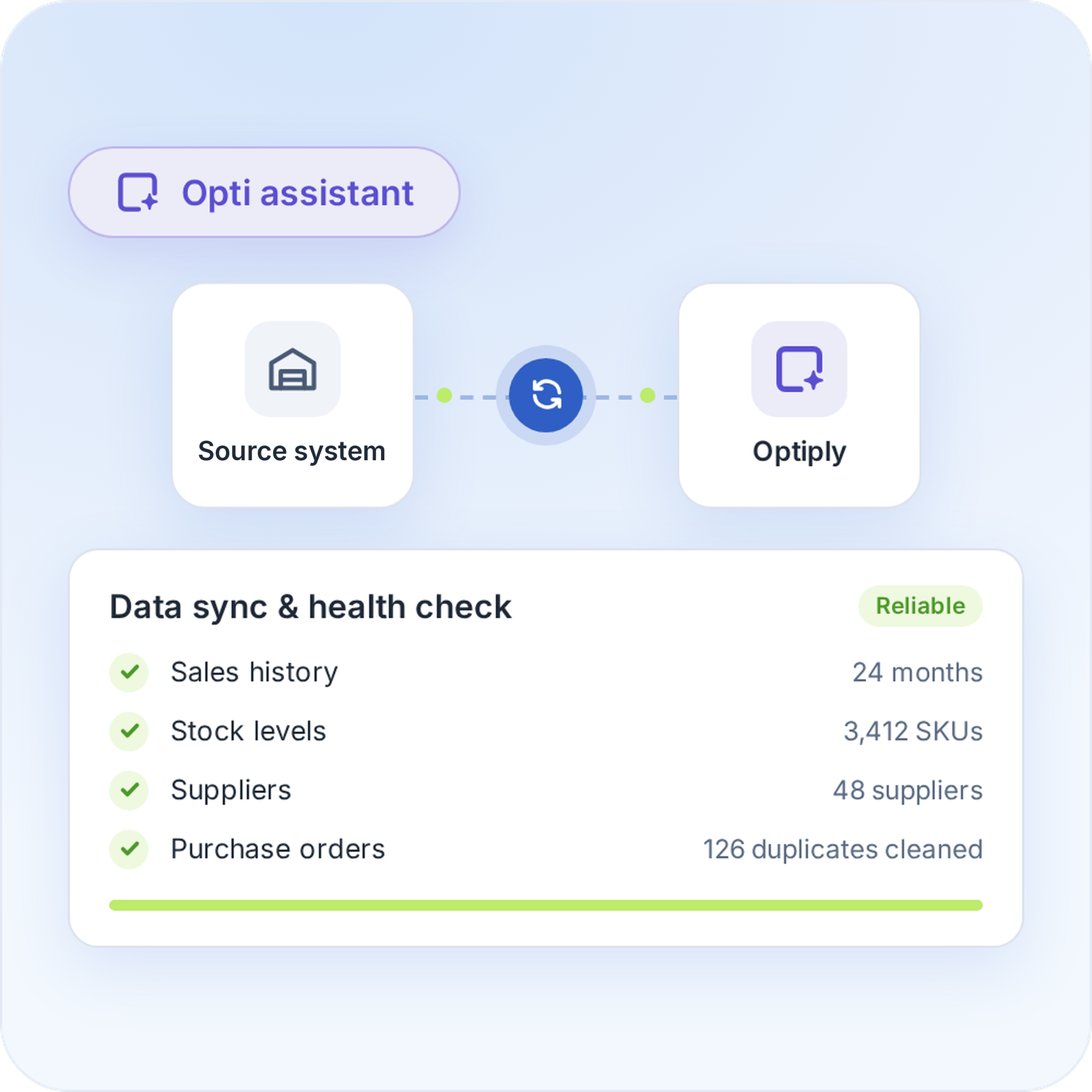
Connect Zoho Books to Optiply

Connect Zoho Books to Optiply
Register a server-based application in the Zoho API Console, add Zoho Books as a source in Optiply and enter your Organisation ID. Zoho Books then sends the data to Optiply automatically. The supply chain agent checks and cleans that data before it advises.
Connect Zoho Books to Optiply
2

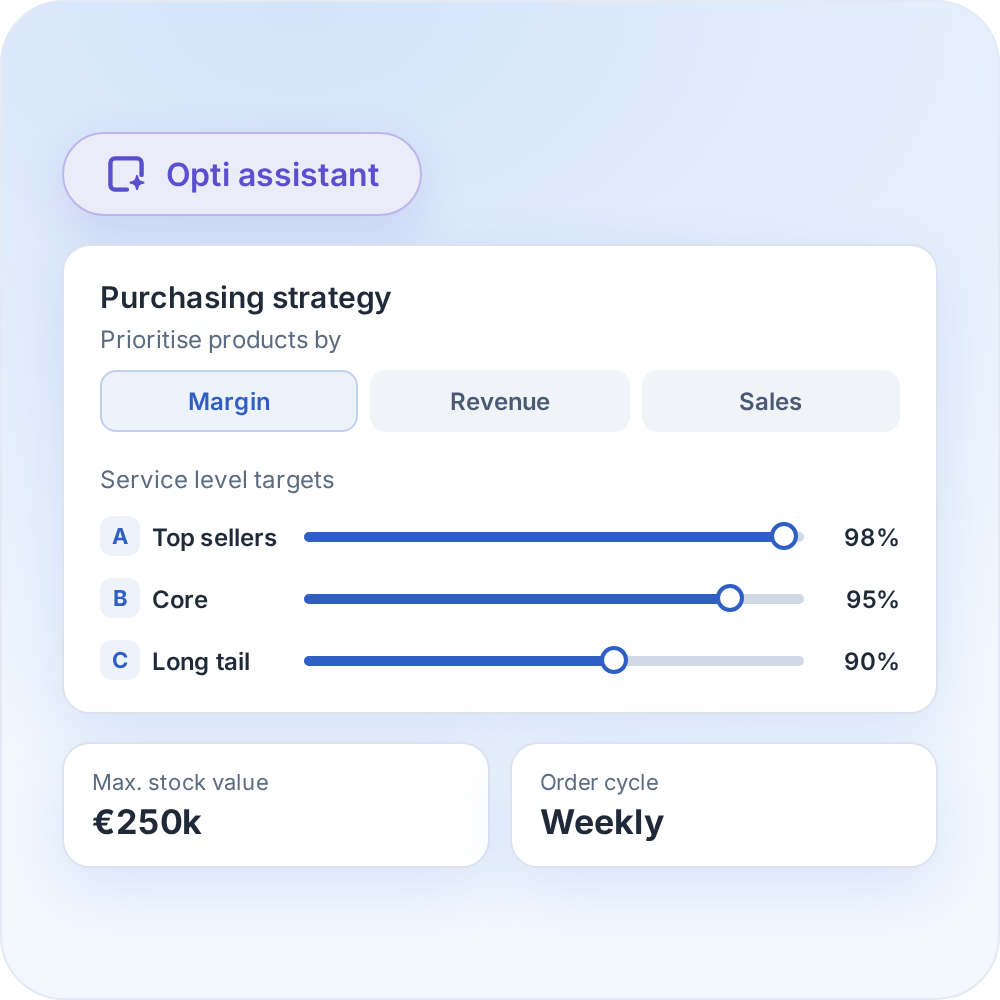
Set your inventory targets and purchasing strategy

Set your inventory targets and purchasing strategy
Set the inventory targets and purchasing rules that fit your business. The supply chain agent prioritises products by margin, revenue and sales when it plans your orders.
Set your inventory targets and purchasing strategy
3

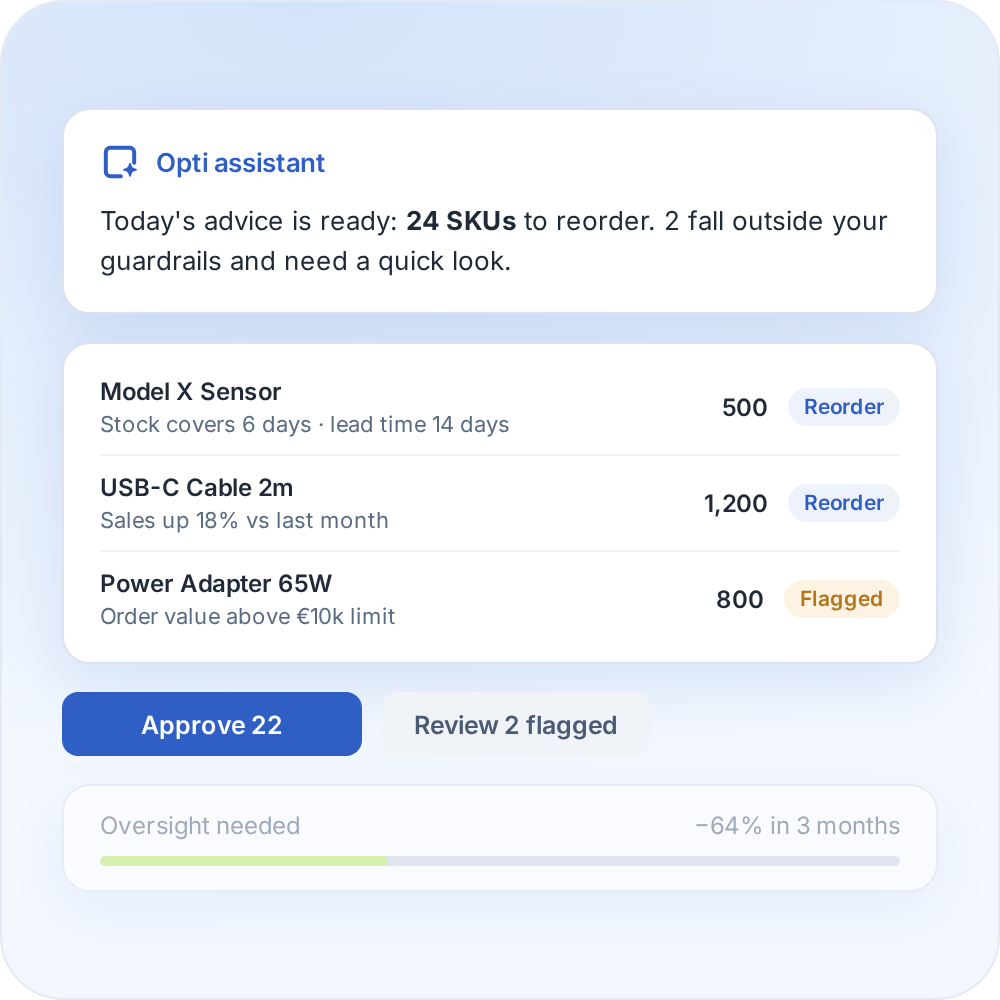
Review your purchasing advice

Review your purchasing advice
Optiply turns your data into daily purchasing advice and explains it on SKU level. You review and validate it, and as it learns your buying process it only flags what falls outside your guardrails.
Review your purchasing advice
4

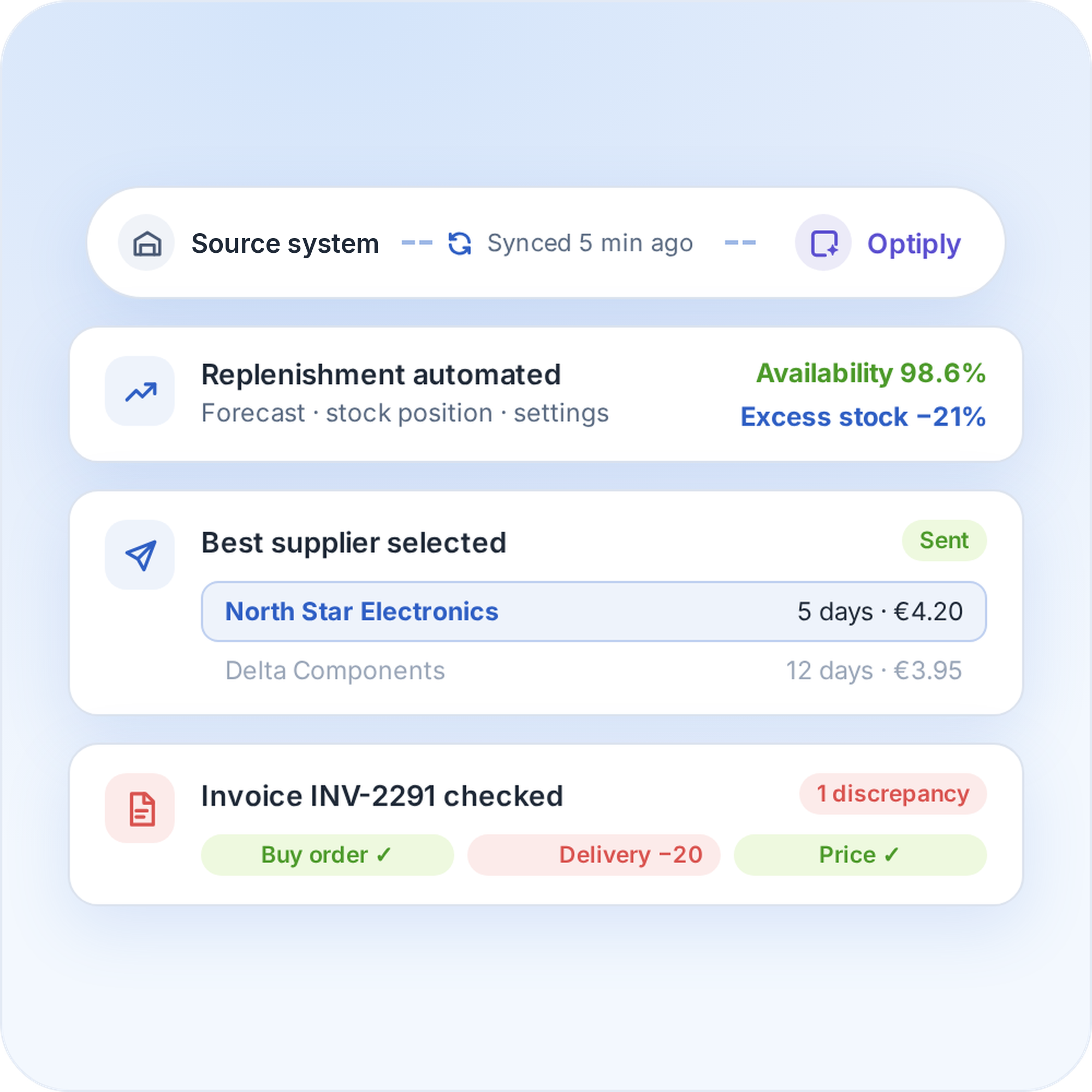
Automate your replenishment

Automate your replenishment
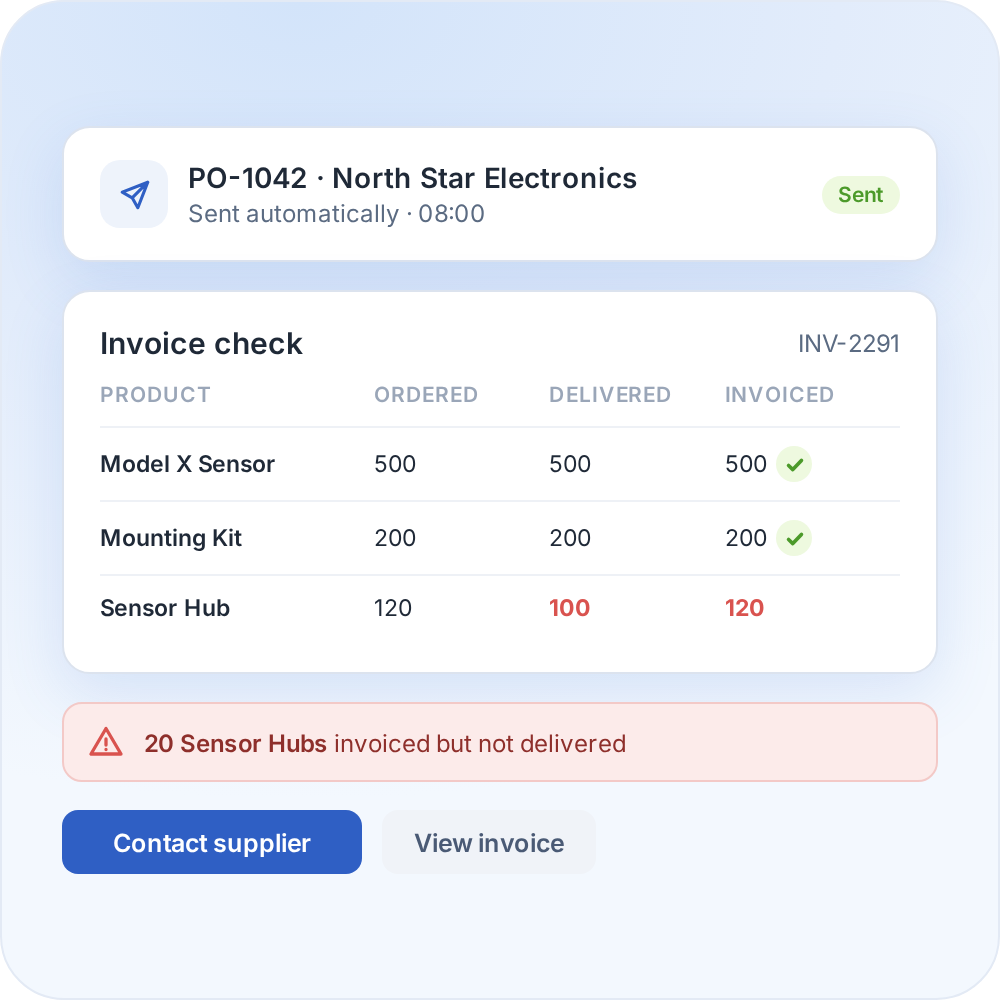
The supply chain agent can place orders and handle supplier communication and invoice discrepancies. The more it is used, the more it learns from the data and manual adjustments.
Automate your replenishment

Whatever system you use, we can connect to it

Optiply easily integrates with e-commerce software, warehouse software, ERPs and more. Any e-commerce store, warehouse or physical store can be linked.

CMS & e-commerce software

Automate your purchasing directly from your online store.

ERPs & CRMs

Easily synchronize purchasing, inventory and sales.

WMS & fulfillment software

Coordinate your purchasing with real-time inventory data.

FAQ

Frequently asked questions about the

Zoho Books

integration

How does the Zoho Books integration work?

Zoho Books sends products, suppliers and orders to Optiply automatically. Optiply's supply chain agent turns them into purchasing advice that you review or automate to your own rules, and in the full flow purchase orders go back to Zoho Books automatically.

Which Zoho Books data does Optiply use?

Products, sales orders and, in the full flow, suppliers, supplier products and purchase orders. You can choose to include draft and open sales orders, or pull only completed and closed ones.

How do I connect Zoho Books to Optiply?

Register a server-based application in the Zoho API Console, then add Zoho Books under Settings, Integrations in Optiply and enter your Organisation ID.

How long does it take to connect Zoho Books to Optiply?

There's no fixed setup time for connecting Zoho Books to Optiply. Connecting the account and completing the first data import are separate milestones, so confirm both with Optiply Support for a reliable timeline for the setup.

How does Zoho Books data reach Optiply?

Zoho Books data reaches Optiply automatically. In the full flow, purchase orders from Optiply go back to Zoho Books automatically.

Does Optiply replace Zoho Books?

No. You keep your administration in Zoho Books. Optiply adds forecasting and purchasing automation on top.

Always make the right purchasing decisions

Keep control of your supply chain. Know exactly what, when and where to buy and always place the right orders to maximize revenue.

Get a demo

"We krijgen nu echt een real-time, minimale en maximale voorraadpositie door dankzij de koppeling met Exact."

Tamara Knulst

Inkoper & Category Management, Leijtens Import