Automate your replenishment with the Microsoft Dynamics 365 Business Central integration

Optiply connects to Microsoft Dynamics 365 Business Central through an extension installed in the environment. Optiply's supply chain agent turns that data and business rules into guardrails that guide every purchasing decision. It calculates what, when and how much to buy, explains every recommendation and flags only what falls outside the guardrails.

Integration type

ERP & CRM

Turn Business Central data into purchasing decisions, automatically

Business Central already holds the items, stock by location, suppliers and orders. Optiply turns that data into purchasing advice, so you work from current numbers.

  • The supply chain agent plans purchases from your Business Central items, variants and sales
  • Stock is imported per location, together with your items and variants
  • Connects through an extension you install in Business Central
Turn your system data into purchasing decisions, automatically

How it works

From Business Central data to a purchasing decision in four steps

1

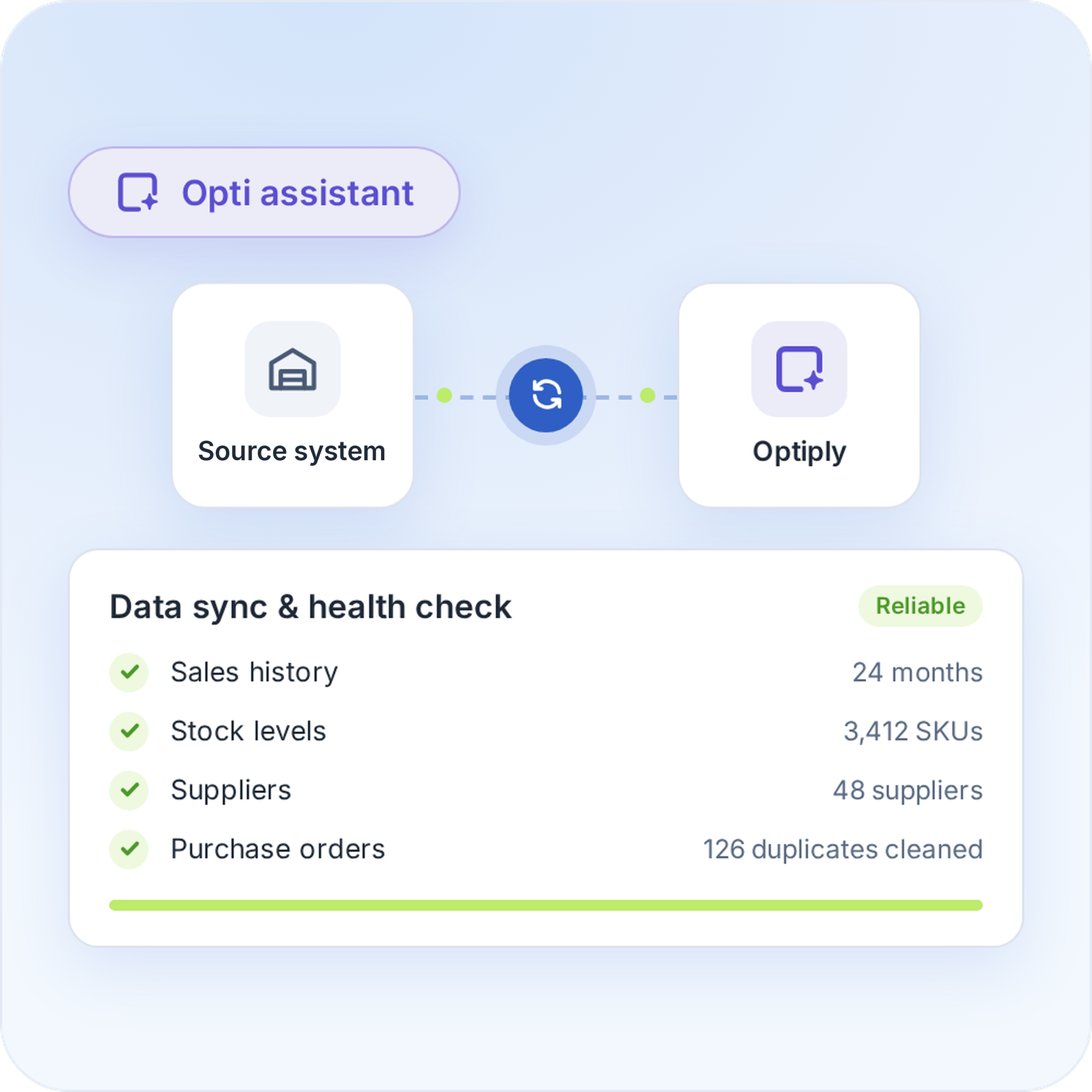
Connect Business Central to Optiply

Connect Business Central to Optiply
Install the Optiply extension in Business Central through Extension Management, and look up your Environment Name in the Admin Center. The supply chain agent checks and cleans that data before it advises.
Connect Business Central to Optiply
2

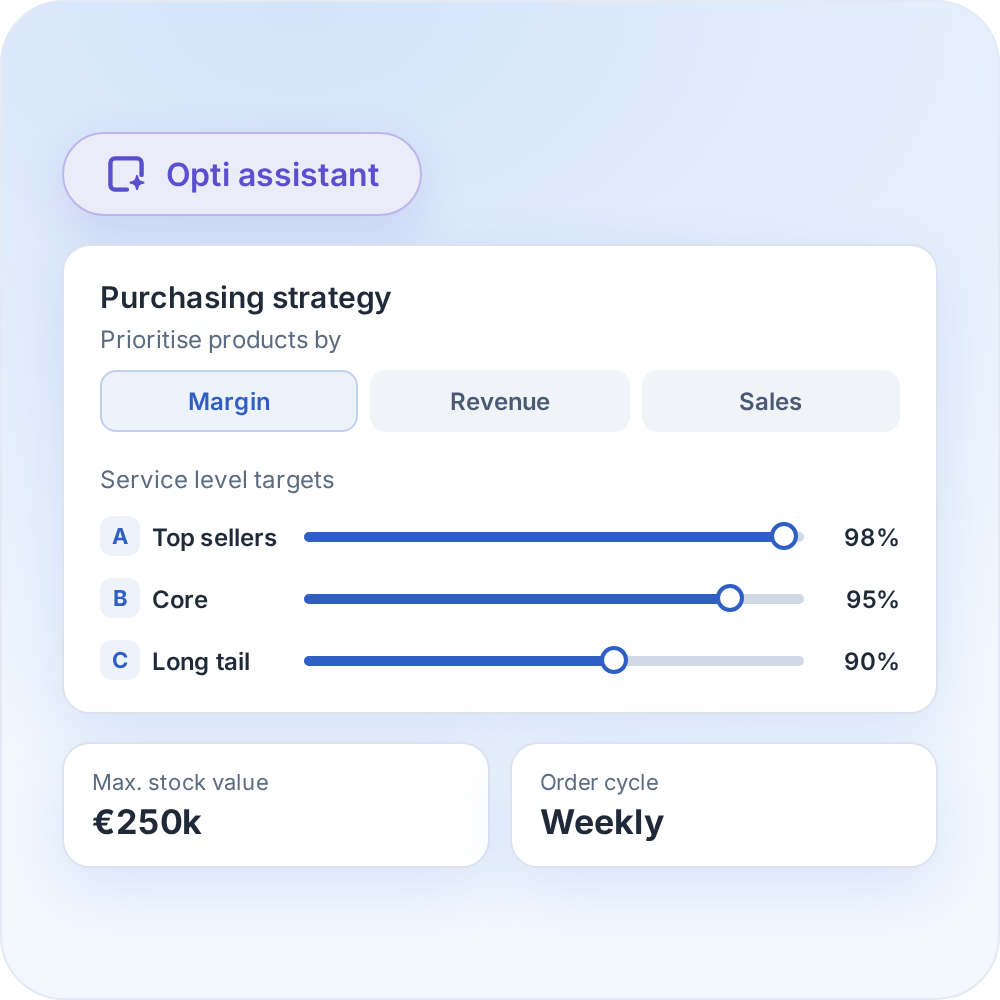
Set your inventory targets and purchasing strategy

Set your inventory targets and purchasing strategy
Set the inventory targets and purchasing rules that fit your business, with products prioritised by margin, revenue and sales.
Set your inventory targets and purchasing strategy
3

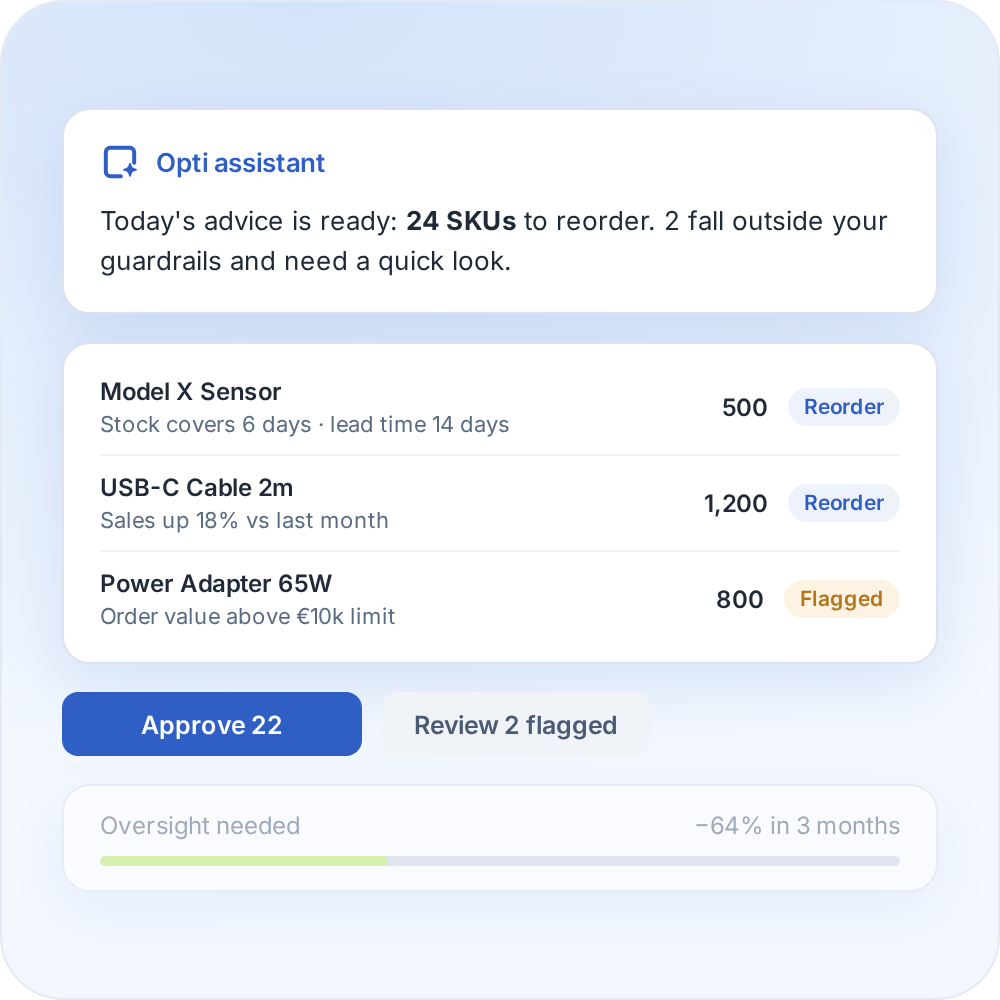
Review your purchasing advice

Review your purchasing advice
Optiply's supply chain agent learns your buying process and turns it into daily purchasing advice, explained on SKU level. Over time it needs less oversight and only flags what falls outside the guardrails.
Review your purchasing advice
4

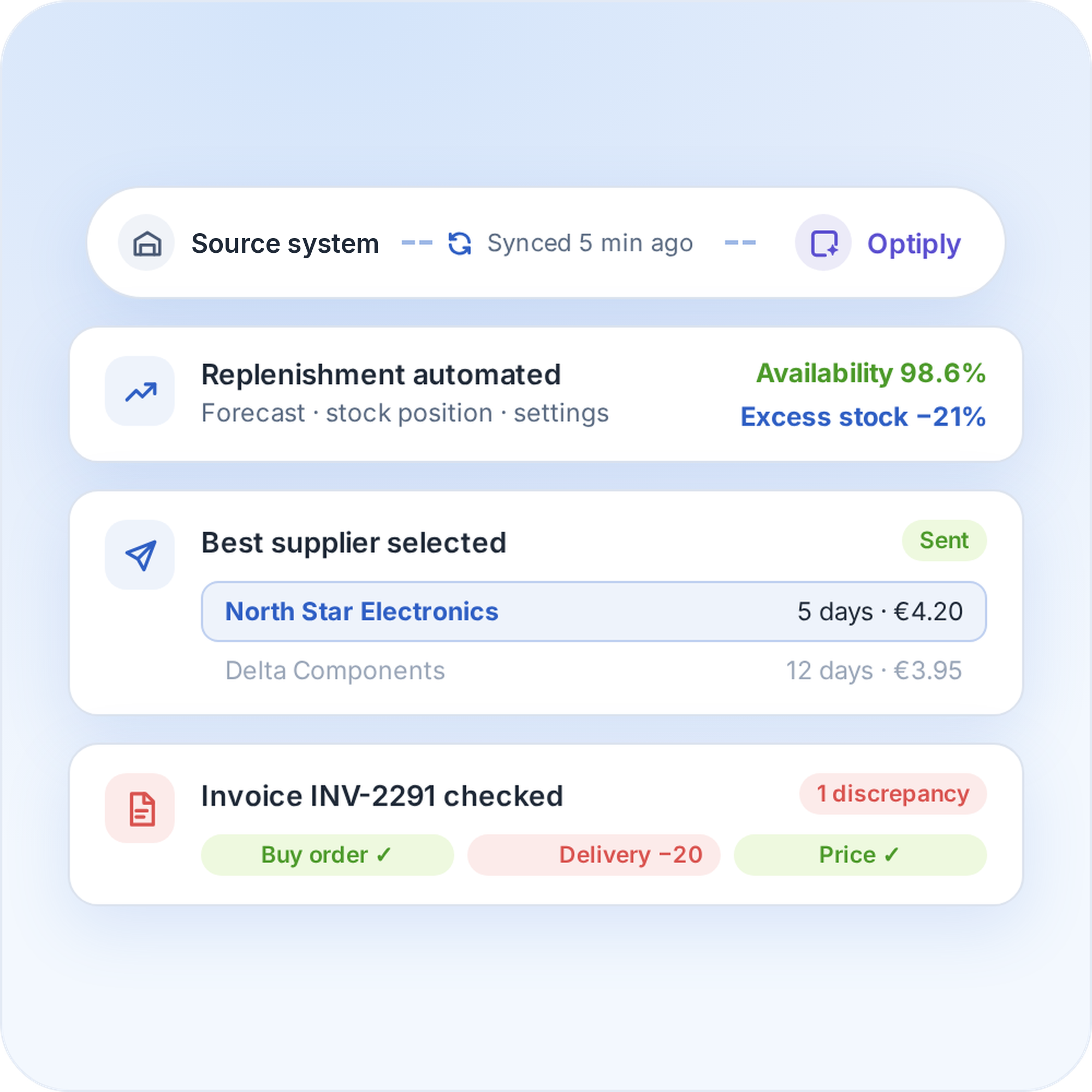
Automate your replenishment

Automate your replenishment
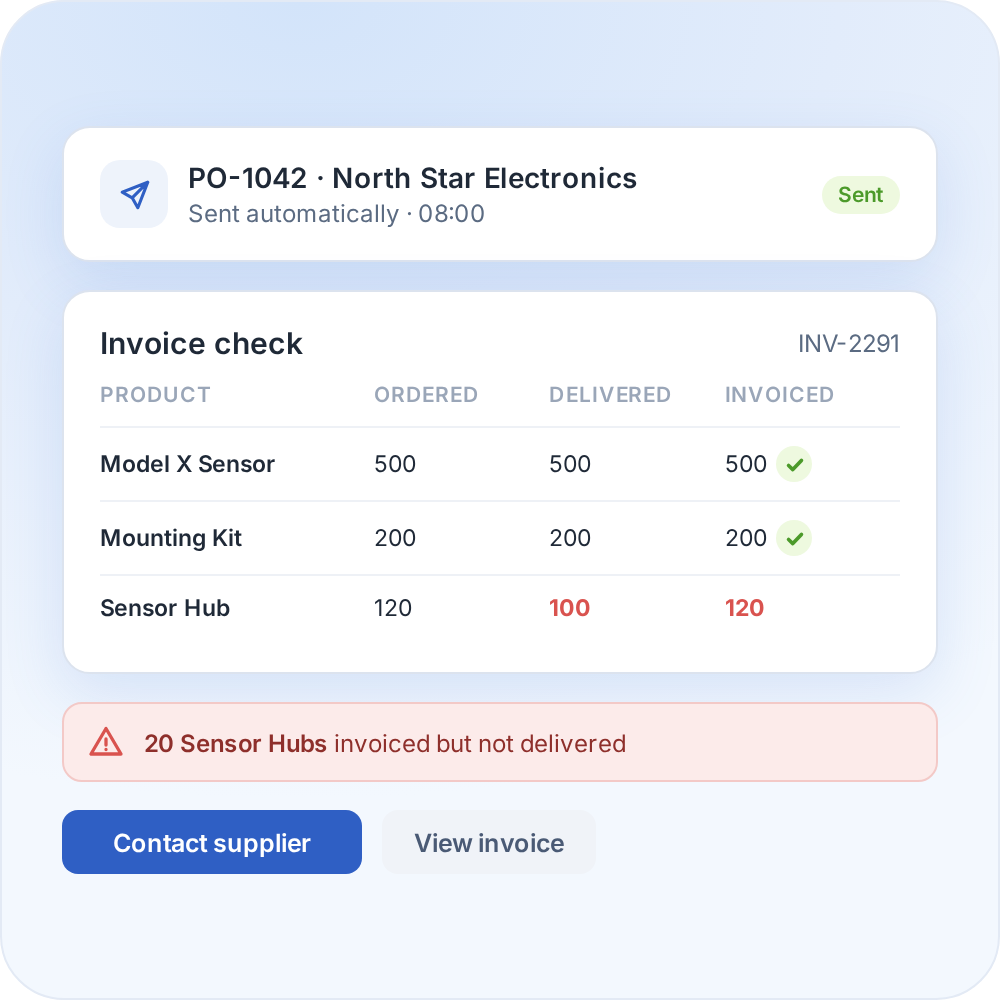
The supply chain agent can place orders and handle supplier communication and invoice discrepancies. The more it is used, the more it learns from the data and manual adjustments.
Automate your replenishment

Whatever system you use, we can connect to it

Optiply easily integrates with e-commerce software, warehouse software, ERPs and more. Any e-commerce store, warehouse or physical store can be linked.

CMS & e-commerce software

Automate your purchasing directly from your online store.

ERPs & CRMs

Easily synchronize purchasing, inventory and sales.

WMS & fulfillment software

Coordinate your purchasing with real-time inventory data.

FAQ

Frequently asked questions about the

Microsoft Dynamics 365

integration

How does the Microsoft Dynamics 365 Business Central integration work?

Optiply imports inventory items and variants, stock per location, suppliers, sales orders and invoices, purchase orders and receipts from Business Central. The supply chain agent turns them into purchasing advice that you review or automate to your own rules.

Why connect Microsoft Dynamics 365 Business Central to Optiply?

Business Central already holds the items, variants, stock per location, suppliers and orders. Connected to Optiply, the supply chain agent uses that data to prepare daily purchasing advice and explains every decision on SKU level, while the team keeps its own rules.

What do I need to connect Business Central to Optiply?

The Optiply extension, which Optiply provides as an .app file, installed through Extension Management by an administrator. You also need the Environment Name from the Business Central Admin Center.

How long does it take to connect Microsoft Dynamics 365 Business Central to Optiply?

There's no fixed setup time for connecting Microsoft Dynamics 365 Business Central to Optiply, because it depends on the setup and data. Connecting the account and the first data import are separate steps, so confirm both with Optiply Support for a reliable timeline.

How can inventory automation help a business that runs on Microsoft Dynamics 365 Business Central?

Purchasing that relies on manual calculations takes time and is hard to keep consistent. Automating replenishment lets rules do the repetitive work, so the team reviews advice instead of building it and has more time for suppliers and exceptions.

Do I stay in control of purchasing decisions?

Yes. The supply chain agent follows the rules set by the team, explains every recommendation on SKU level and only flags what falls outside them. How much to automate is a choice.

Always make the right purchasing decisions

Keep control of your supply chain. Know exactly what, when and where to buy and always place the right orders to maximize revenue.

Get a demo

“The fact that Optiply makes the calculations, analyses the sales of the past few years and can therefore make a prediction saves me a lot of work. That time saving is really the trigger.”

Martijn Janssen

Buyer & Sales Manager

,

Fitwinkel