Automate your replenishment with the Amazon Seller integration

Optiply imports Amazon sales orders, so Amazon demand becomes part of the purchasing advice. Optiply uses that data and the purchasing rules set by the team to calculate what to buy and when, and explains every decision.

Integration type

Marketplaces & Feed Management

Turn Amazon Seller data into purchasing decisions, automatically

Amazon sales are part of what you need to buy. Optiply imports them, so you work from current numbers.

  • The supply chain agent forecasts demand with your Amazon sales included
  • Sales orders are imported, and in full mode products and stock too
  • Products are matched on the SKU or EAN you select
Turn your system data into purchasing decisions, automatically

How it works

From Amazon Seller data to a purchasing decision in four steps

1

Connect Amazon Seller to Optiply

Connect Amazon Seller to Optiply
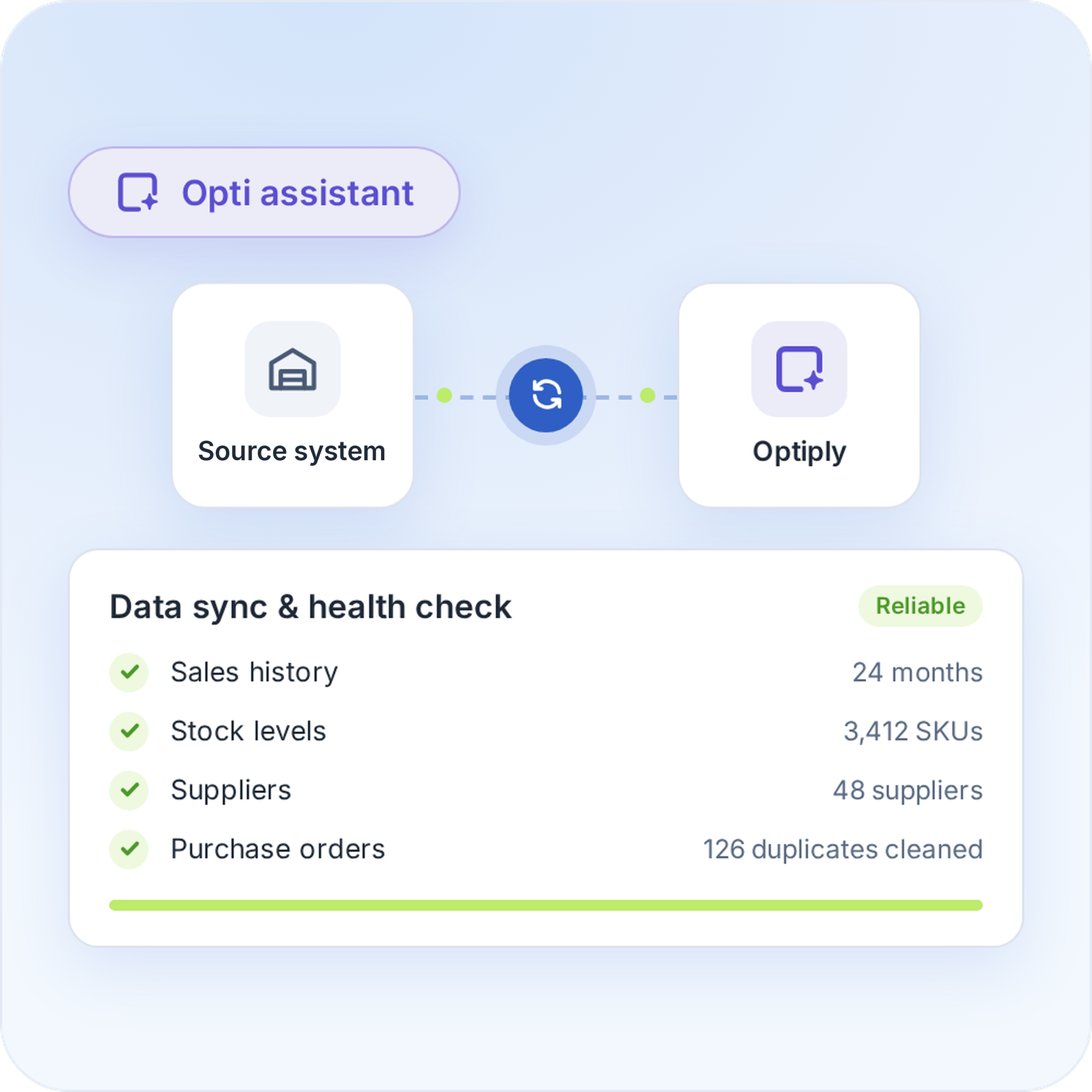
Connect Amazon Seller to Optiply with Optiply Support. Amazon sales orders flow into Optiply, and in full mode products and stock come along. The supply chain agent checks and cleans that data before it advises.
Connect Amazon Seller to Optiply
2

Set your inventory targets and purchasing strategy

Set your inventory targets and purchasing strategy
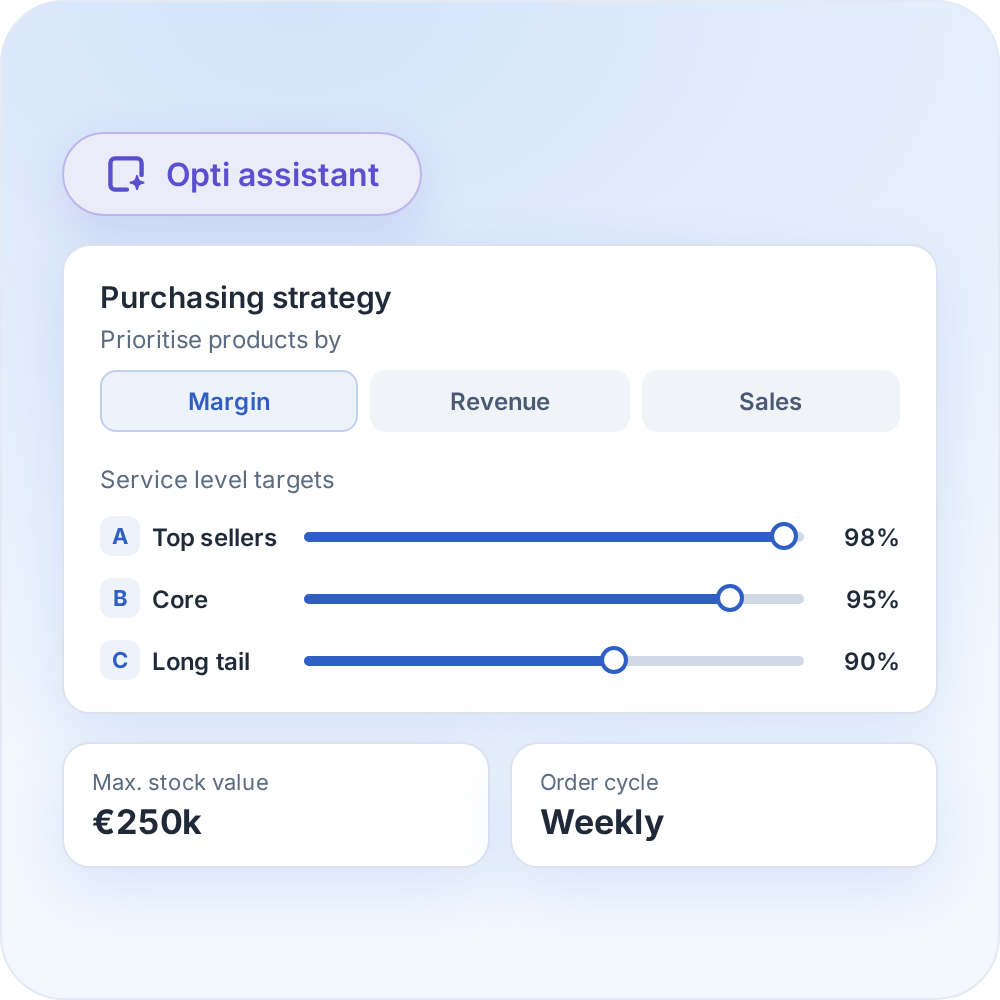
Set the inventory targets and purchasing rules that fit your business, with products prioritised by margin, revenue and sales.
Set your inventory targets and purchasing strategy
3

Review your purchasing advice

Review your purchasing advice
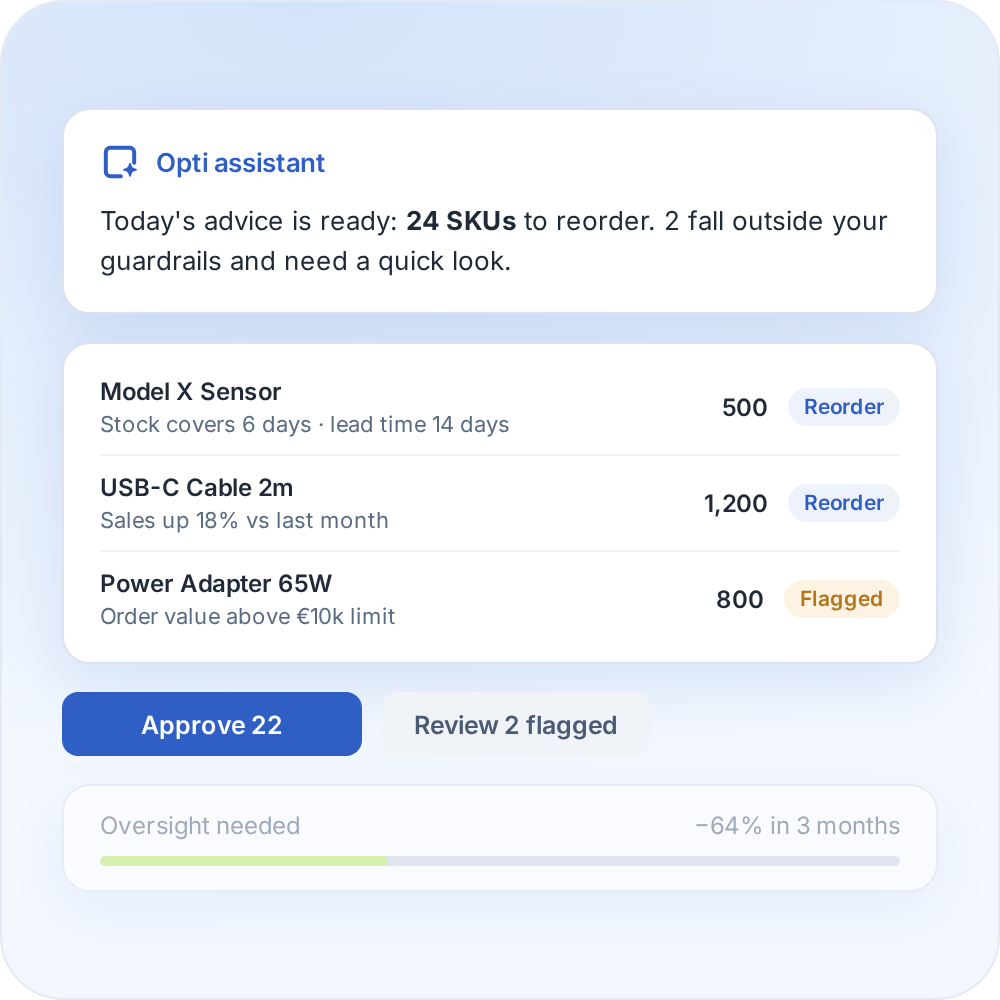
Optiply's supply chain agent learns your buying process and turns it into daily purchasing advice, explained on SKU level. Over time it needs less oversight and only flags what falls outside the guardrails.
Review your purchasing advice
4

Automate your replenishment

Automate your replenishment
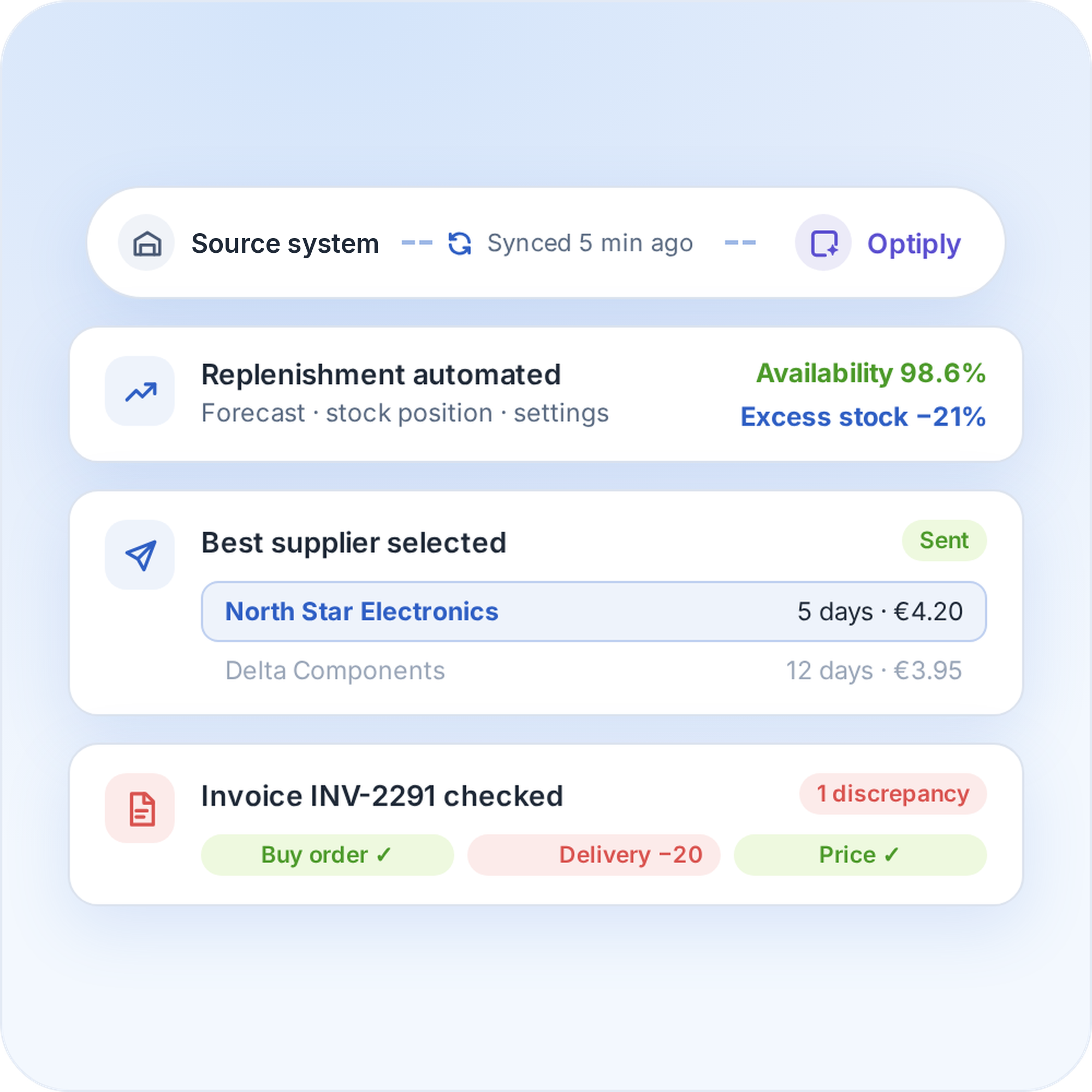
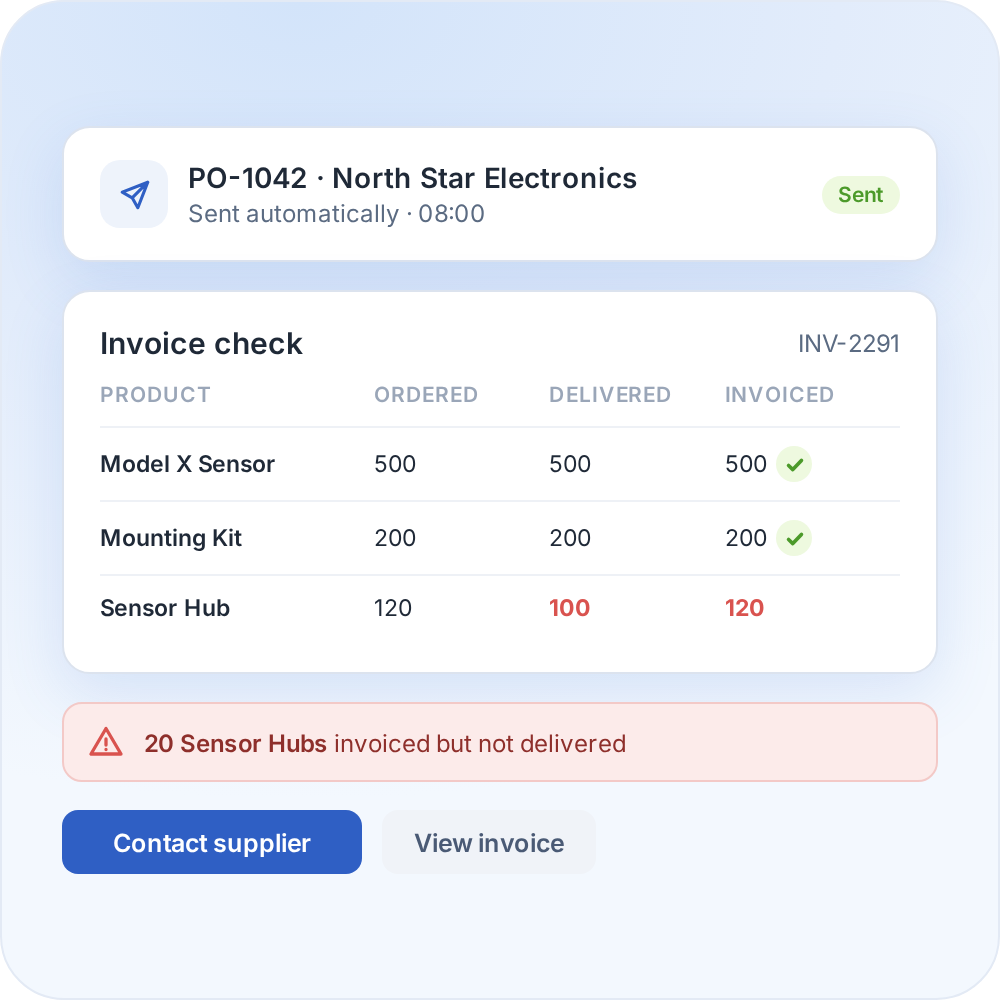
The supply chain agent can place orders and handle supplier communication and invoice discrepancies. The more it is used, the more it learns from the data and manual adjustments.
Automate your replenishment

Whatever system you use, we can connect to it

Optiply easily integrates with e-commerce software, warehouse software, ERPs and more. Any e-commerce store, warehouse or physical store can be linked.

CMS & e-commerce software

Automate your purchasing directly from your online store.

ERPs & CRMs

Easily synchronize purchasing, inventory and sales.

WMS & fulfillment software

Coordinate your purchasing with real-time inventory data.

FAQ

Frequently asked questions about the

Amazon Seller

integration

How does the Amazon Seller integration work?

Close

Optiply imports your Amazon sales orders and order lines, and in full mode also your products and stock. Optiply's supply chain agent turns them into purchasing advice that you review or automate to your own rules.

Why connect Amazon Seller to Optiply?

Close

Your Amazon sales orders show what your customers buy. Connected to Optiply, that demand becomes part of the purchasing advice the supply chain agent prepares, and it explains every decision on SKU level.

How do I connect Amazon Seller to Optiply?

Close

Optiply Support completes the connection with you. In Optiply you open Settings, then Integrations, add Amazon Seller as a source and contact Support to start the setup.

How long does it take to connect Amazon Seller to Optiply?

Close

There's no fixed setup time for connecting Amazon Seller to Optiply, because it depends on the setup and data. Connecting the account and the first data import are separate steps, so confirm both with Optiply Support for a reliable timeline.

How can inventory automation help me sell on Amazon?

Close

Marketplace sales change what you need to buy. Automating replenishment keeps purchasing in step with those sales, so the team reviews proposals instead of calculating them and can help avoid stockouts and excess stock.

Do I stay in control of purchasing decisions?

Close

Yes. The supply chain agent follows the rules set by the team, explains every recommendation on SKU level and only flags what falls outside them. How much to automate is a choice.

Always make the right purchasing decisions

Keep control of your supply chain. Know exactly what, when and where to buy and always place the right orders to maximize revenue.

Get a demo

We can now order faster and better, and our stock levels are also increasingly accurate. You actually see that directly reflected in the business results.

Ewout Gordijn

COO

,

Tackle Group Europe